A Guided Tour of the WordPress Dashboard: Everything You Need to Know

Comments :

WordPress Dashboard

What is the WordPress Dashboard?

The WordPress Dashboard is the backend interface where you manage your site. Here, you can:

It’s designed to be user-friendly, even if you’re completely new to website building.

How to Access the Dashboard

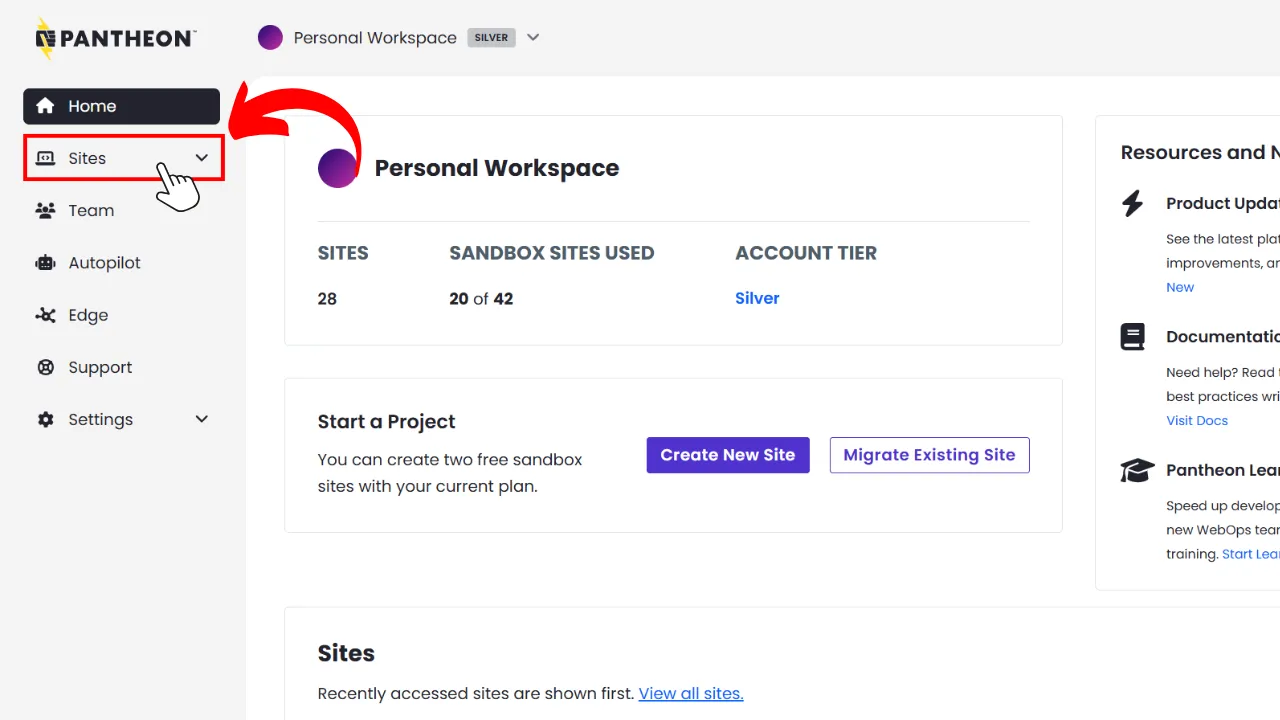
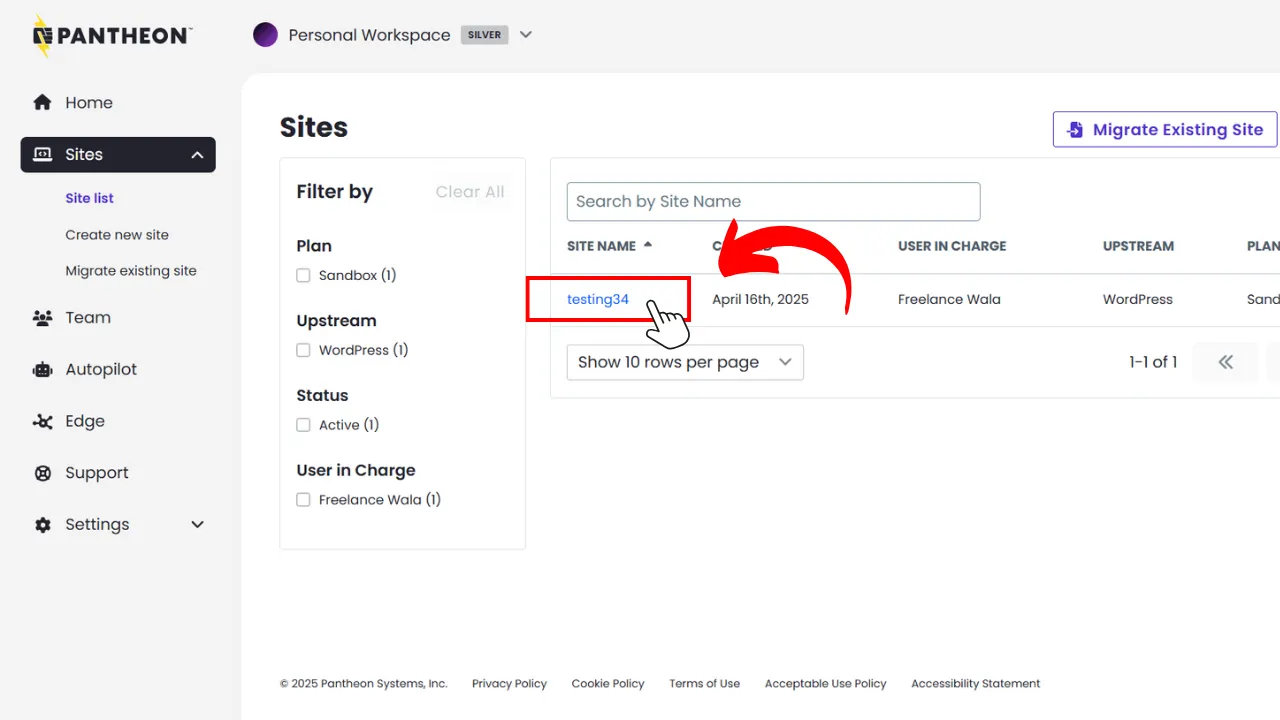
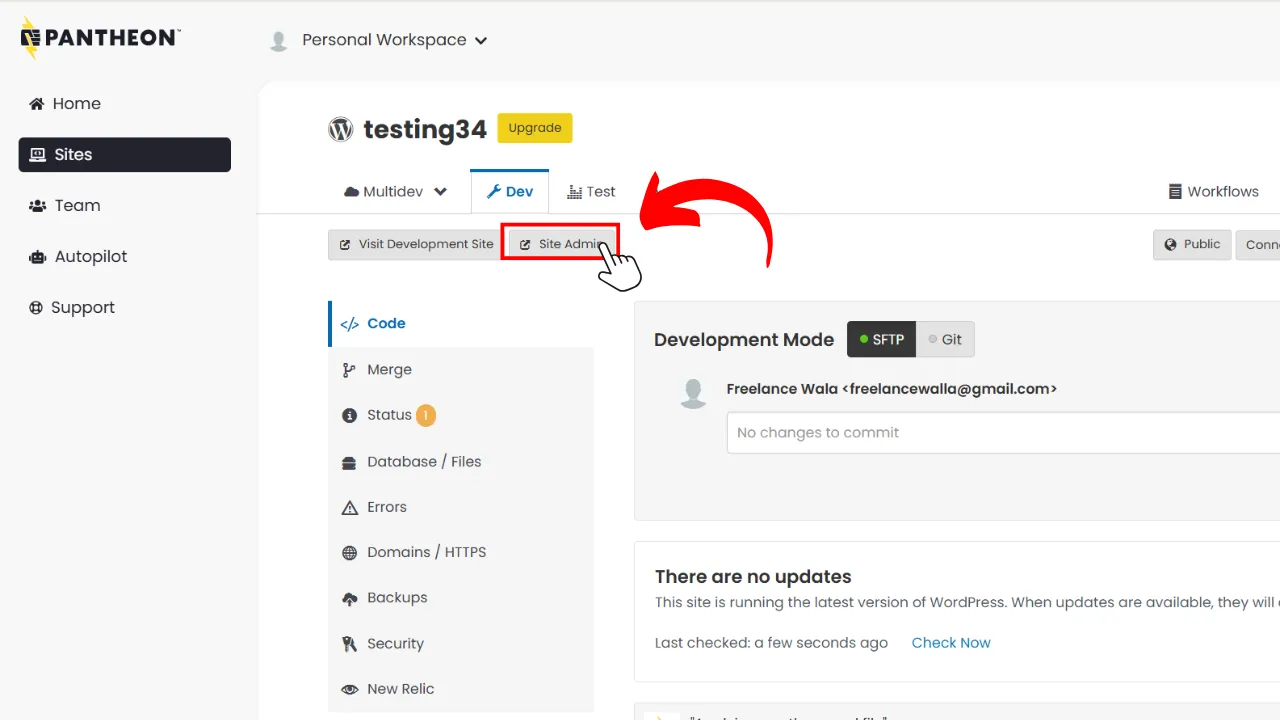
Normally, any WordPress website’s default dashboard is at ‘your-domain.com/wp-admin’, but in our case, since we’re using Pantheon, we can easily visit our site dashboard via Pantheon, here’s how:
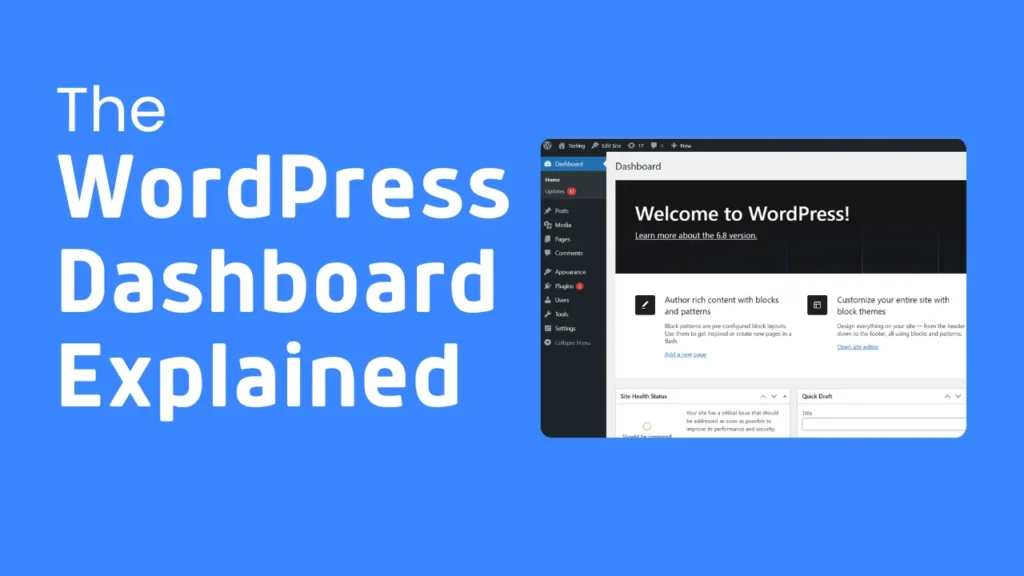

Dashboard Overview

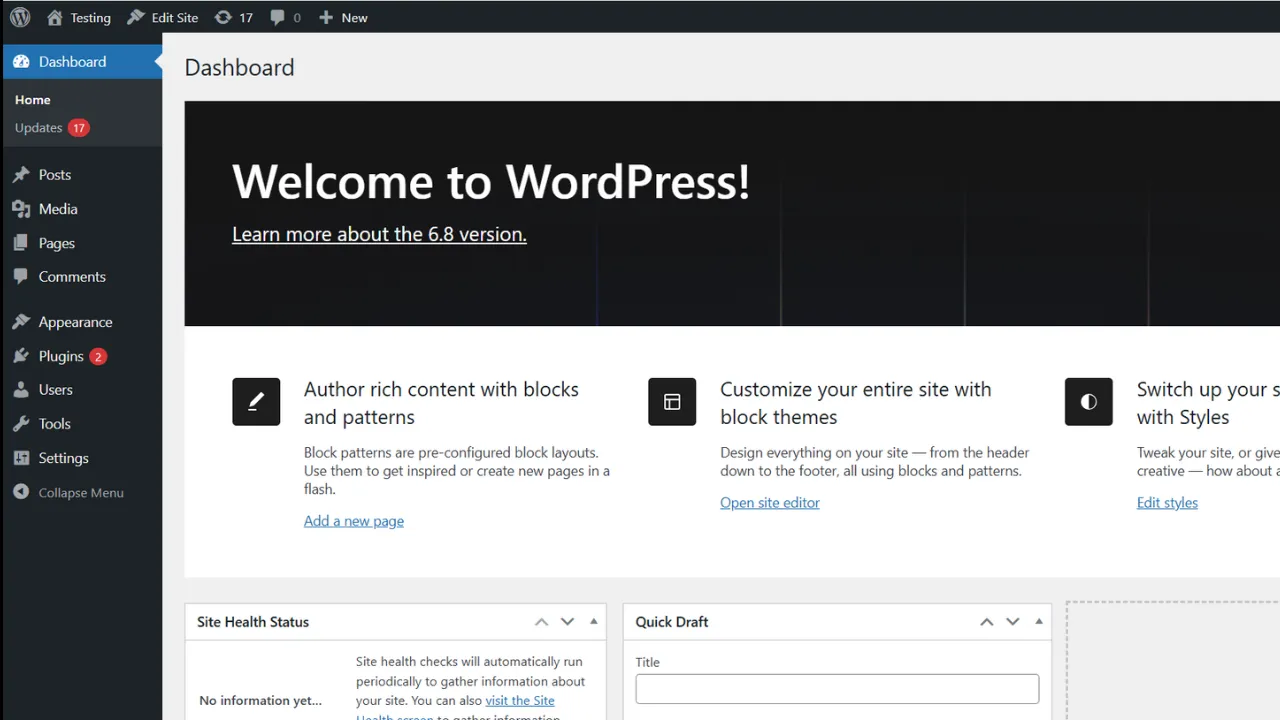
Here’s what you’ll see first:

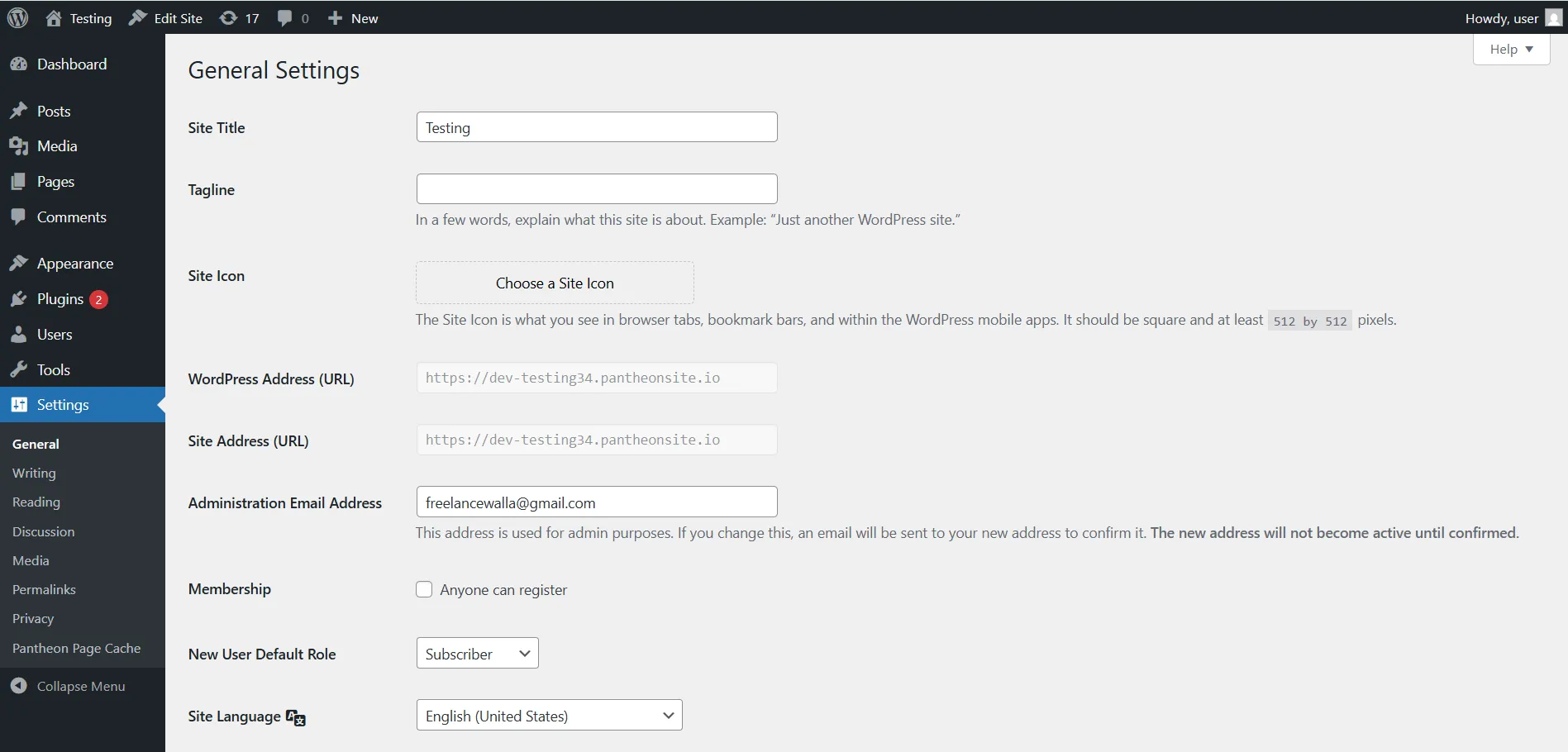
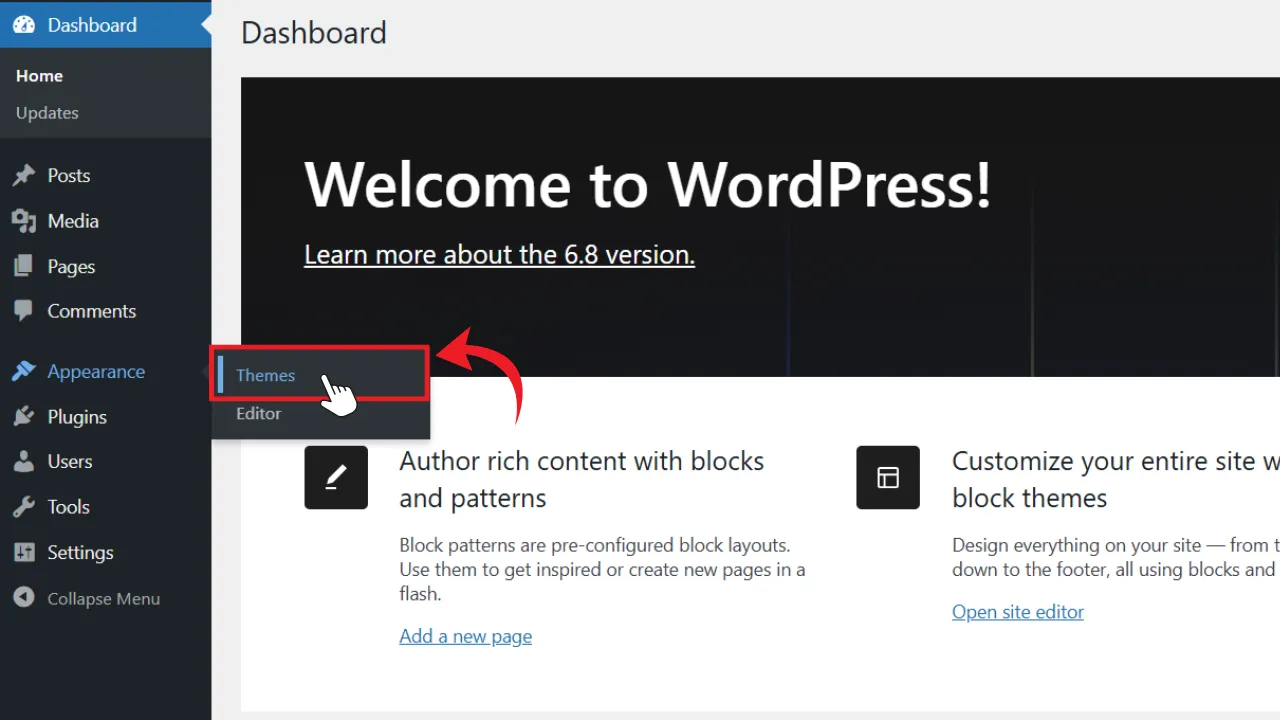
Understanding the Left-Hand Menu

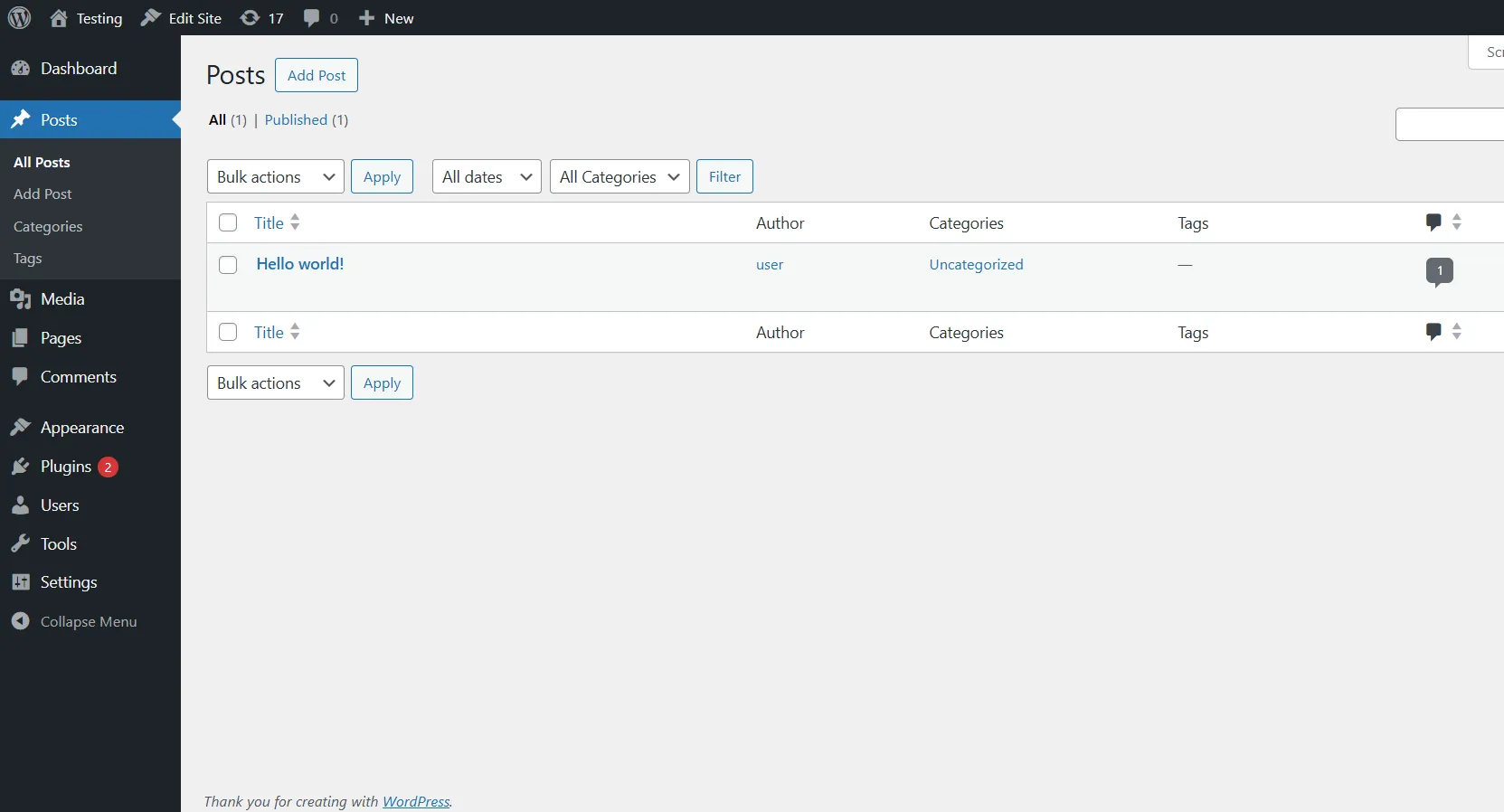
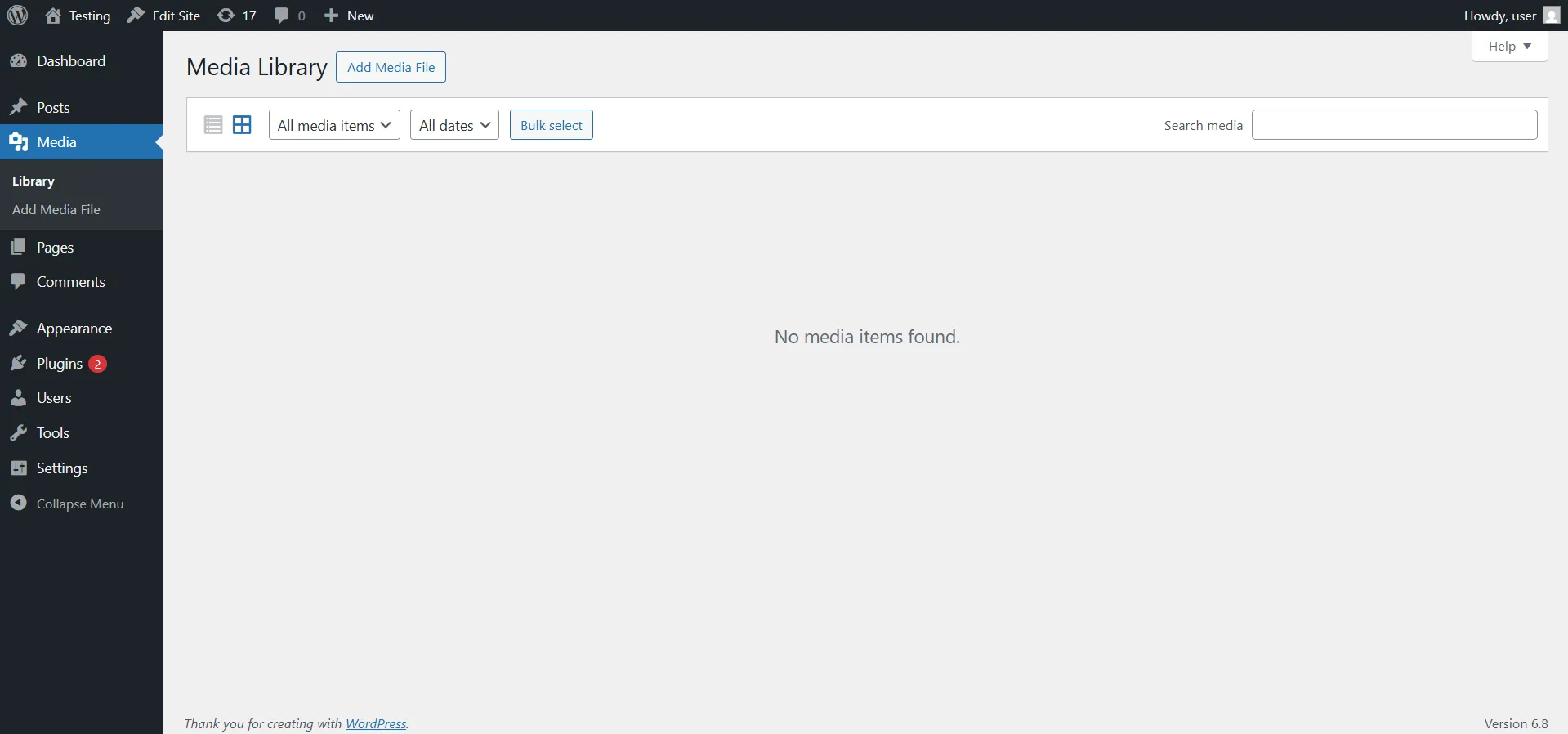
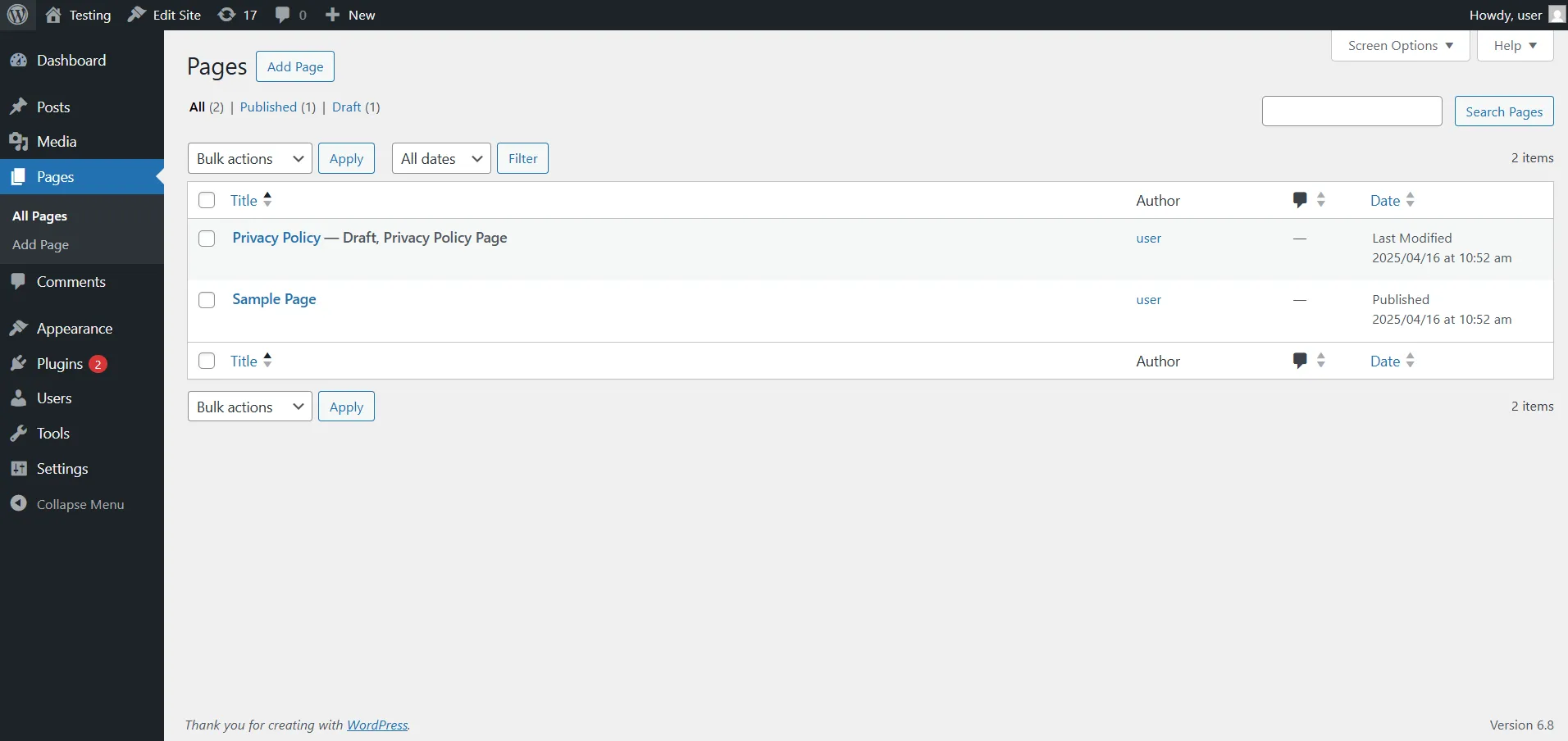
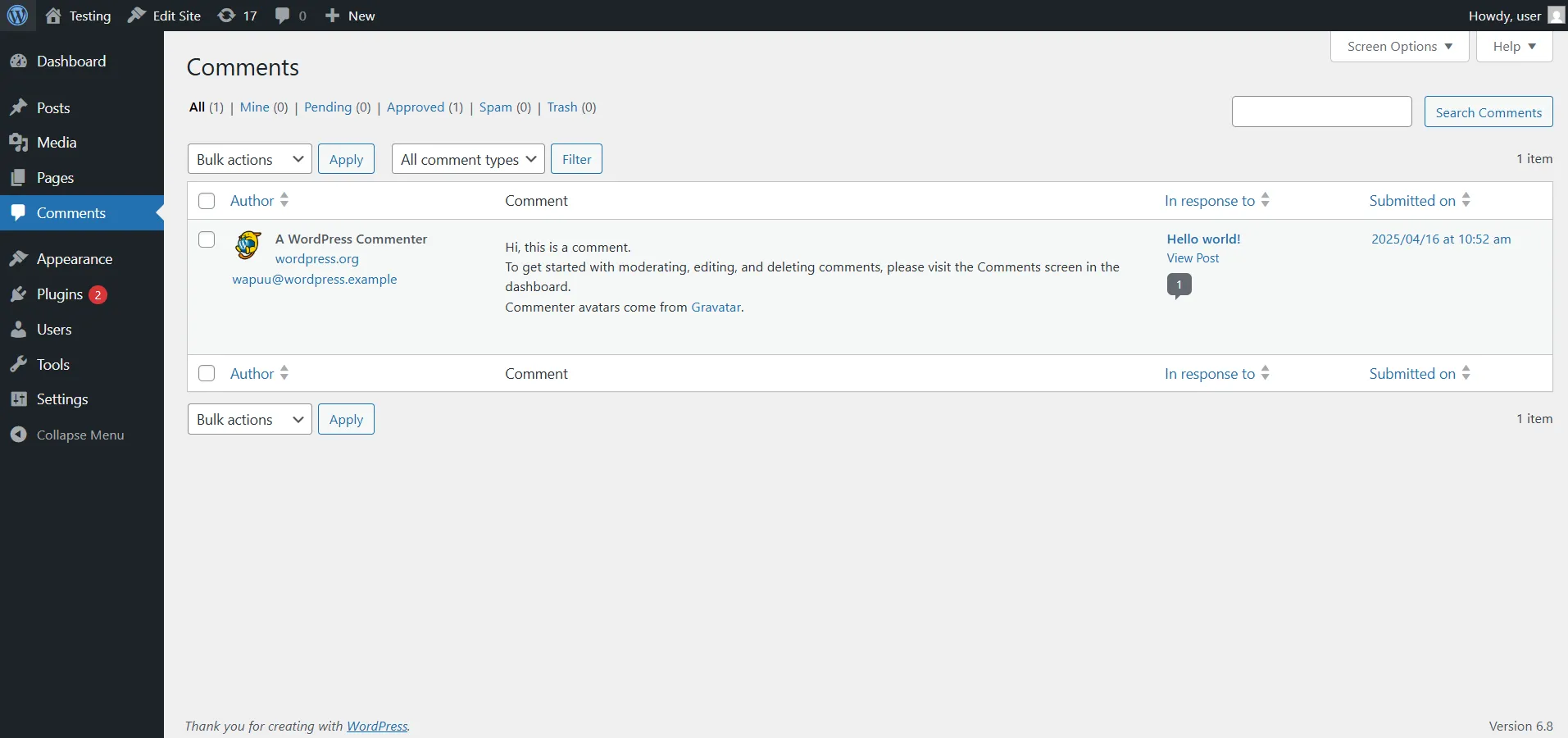
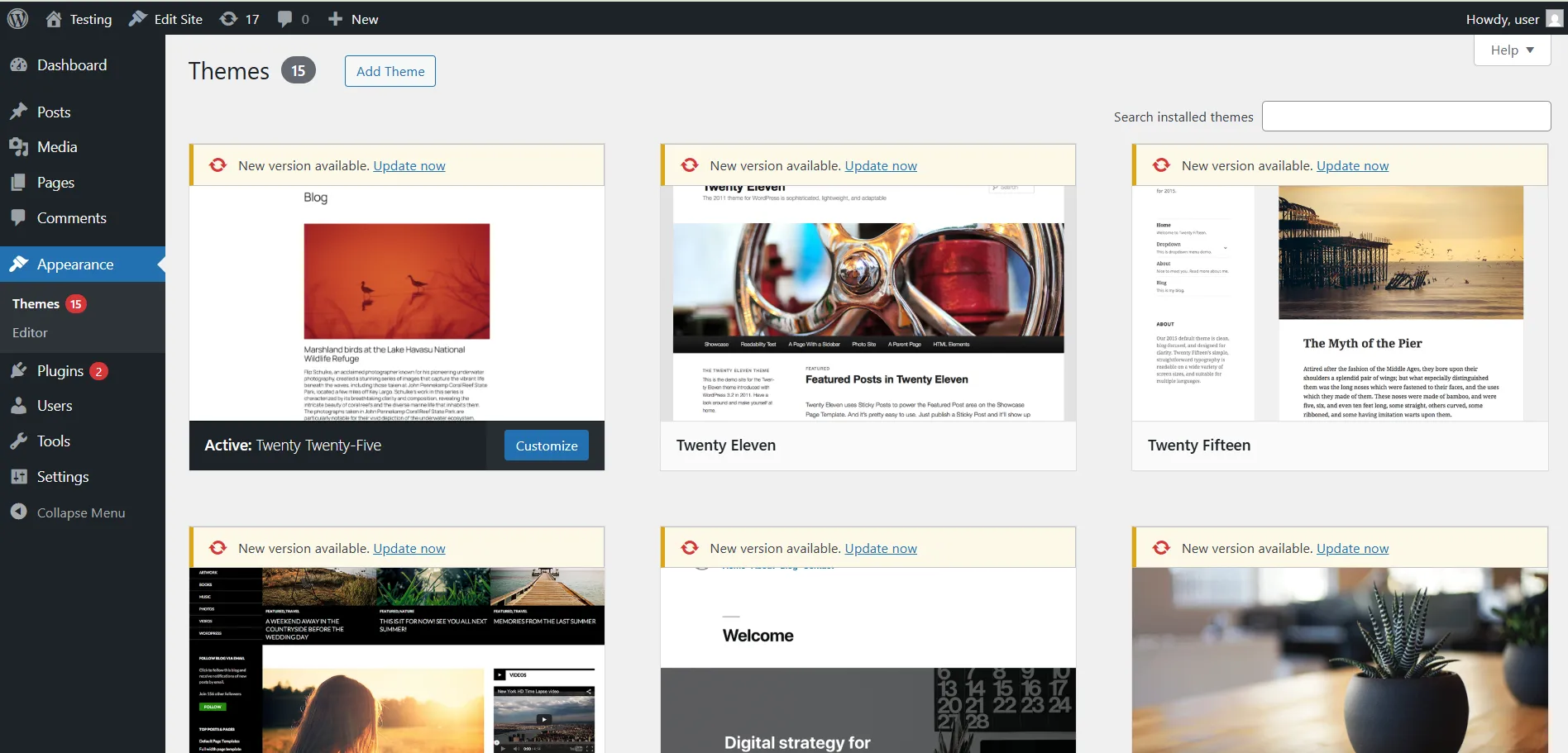
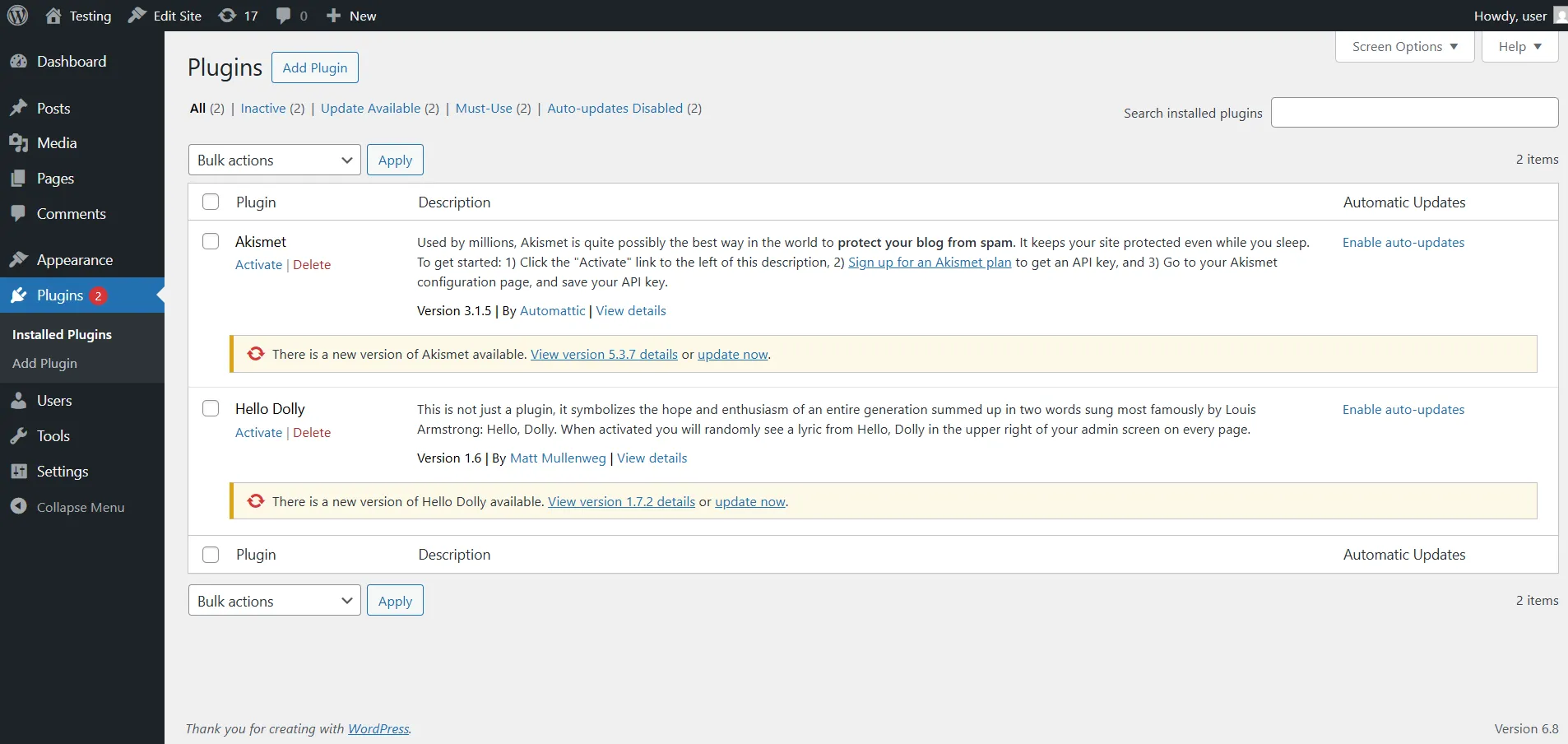
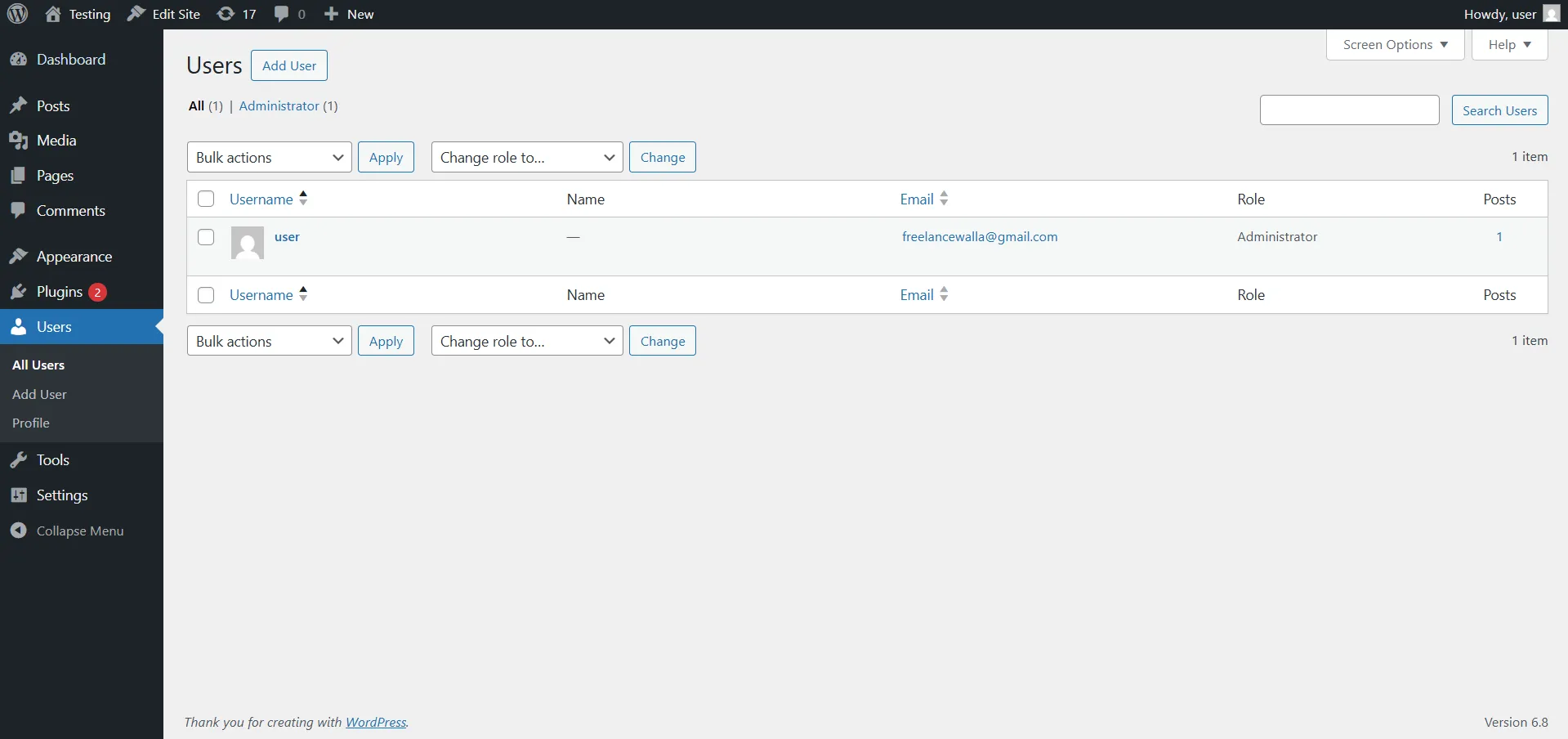
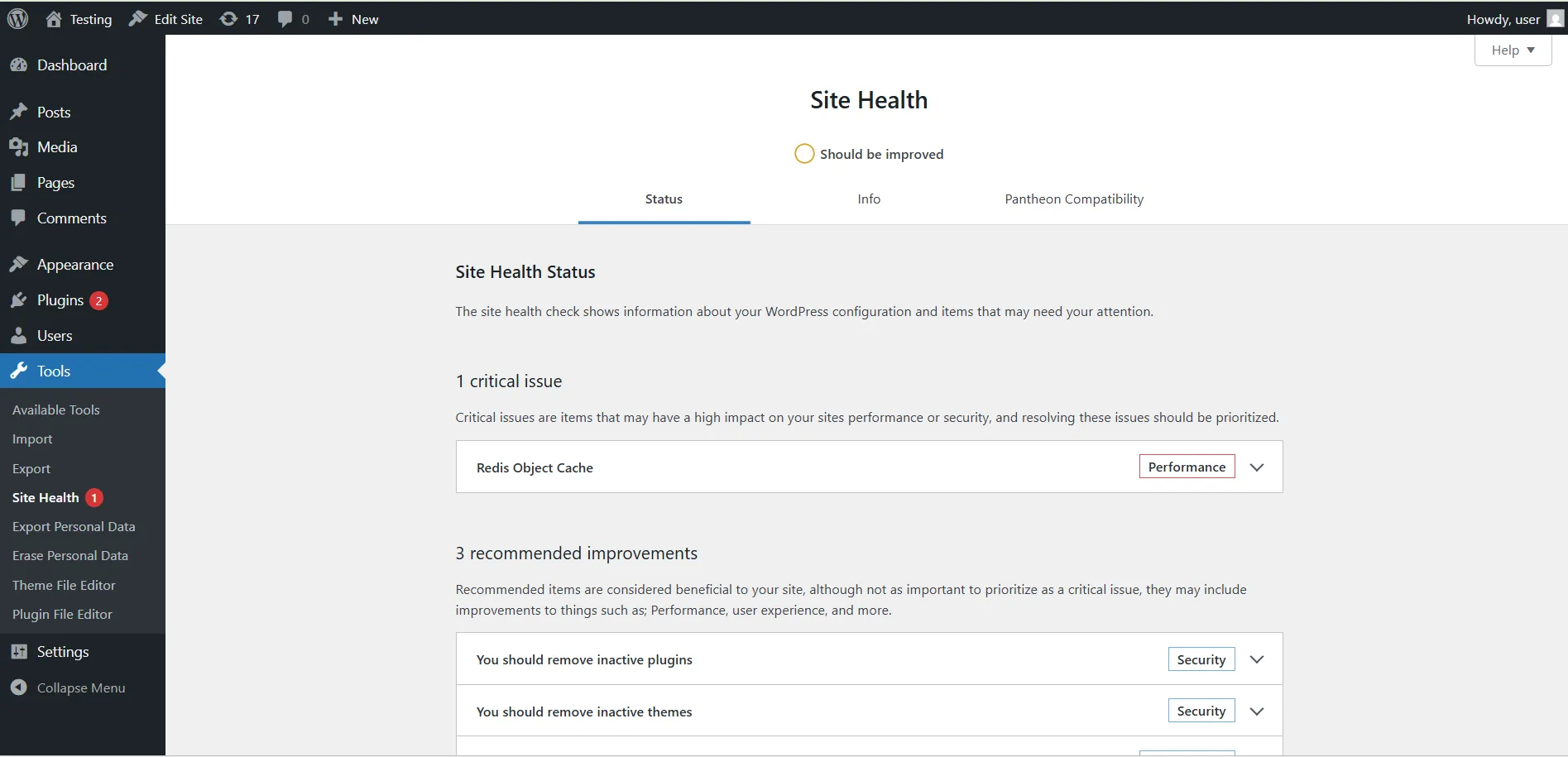
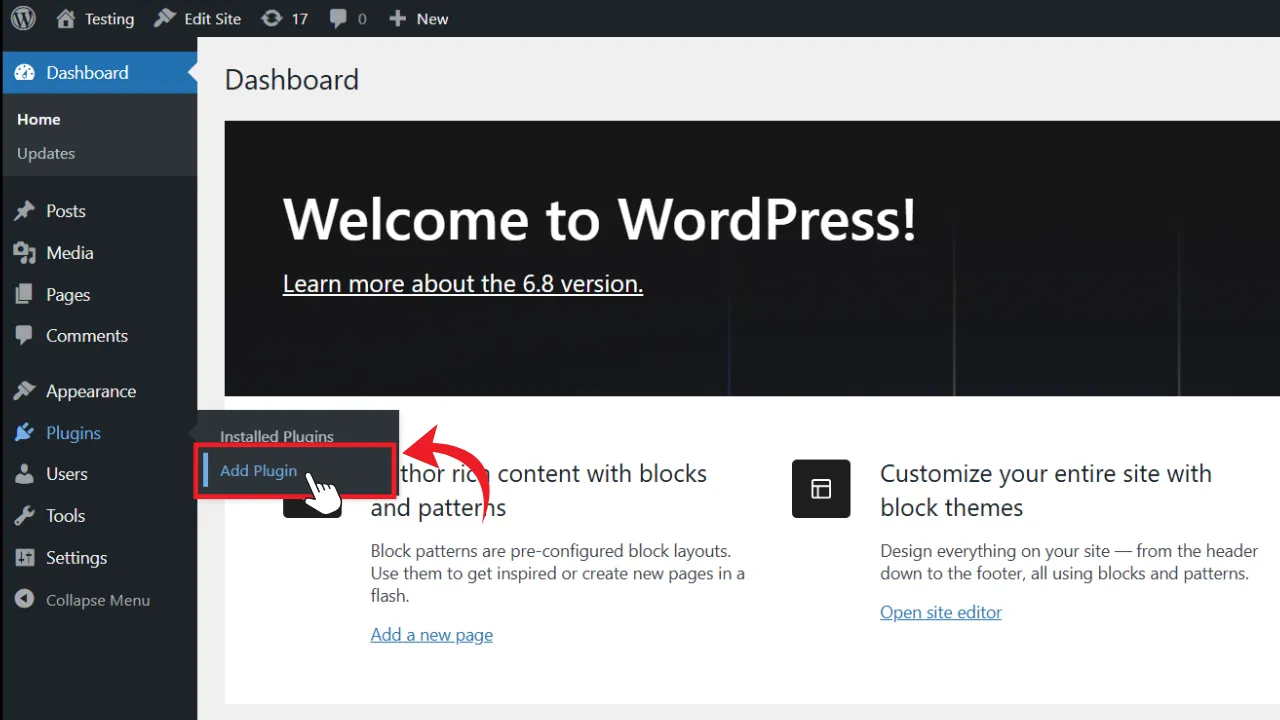
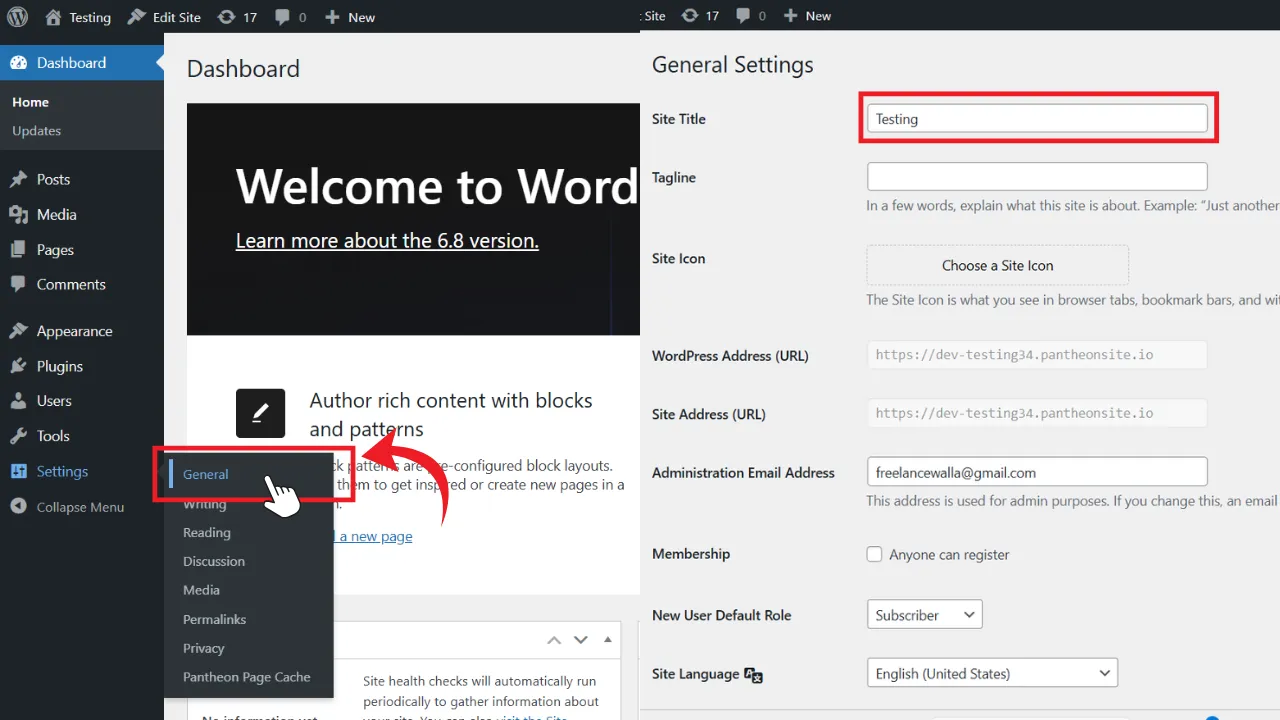
The menu on the left-hand side is your navigation panel. Here’s what each section does:

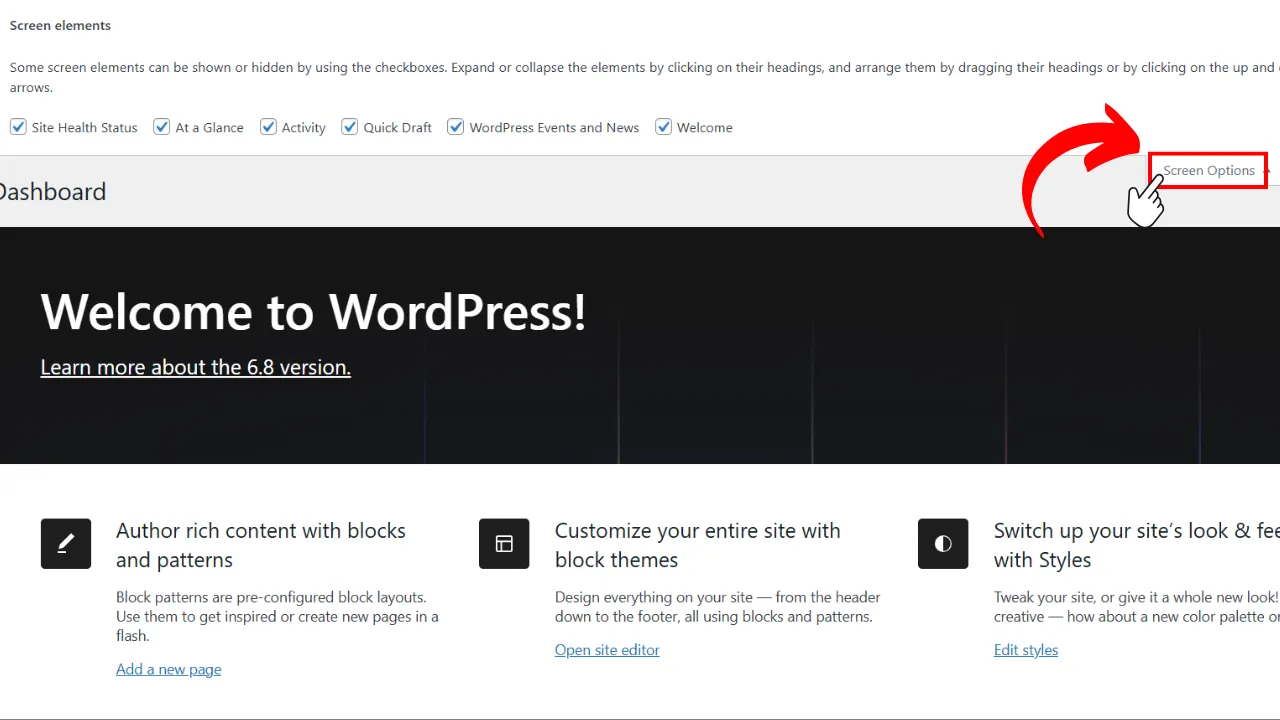
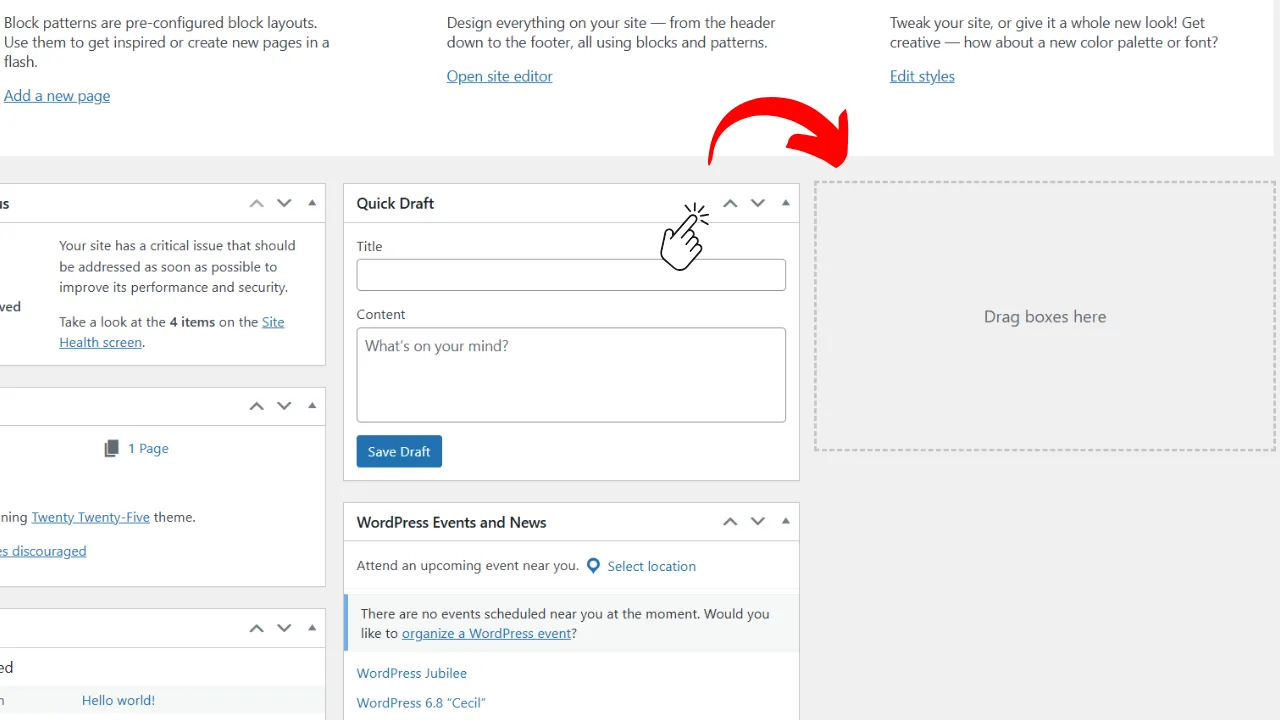
Customizing Your Dashboard for Simpler Workflow

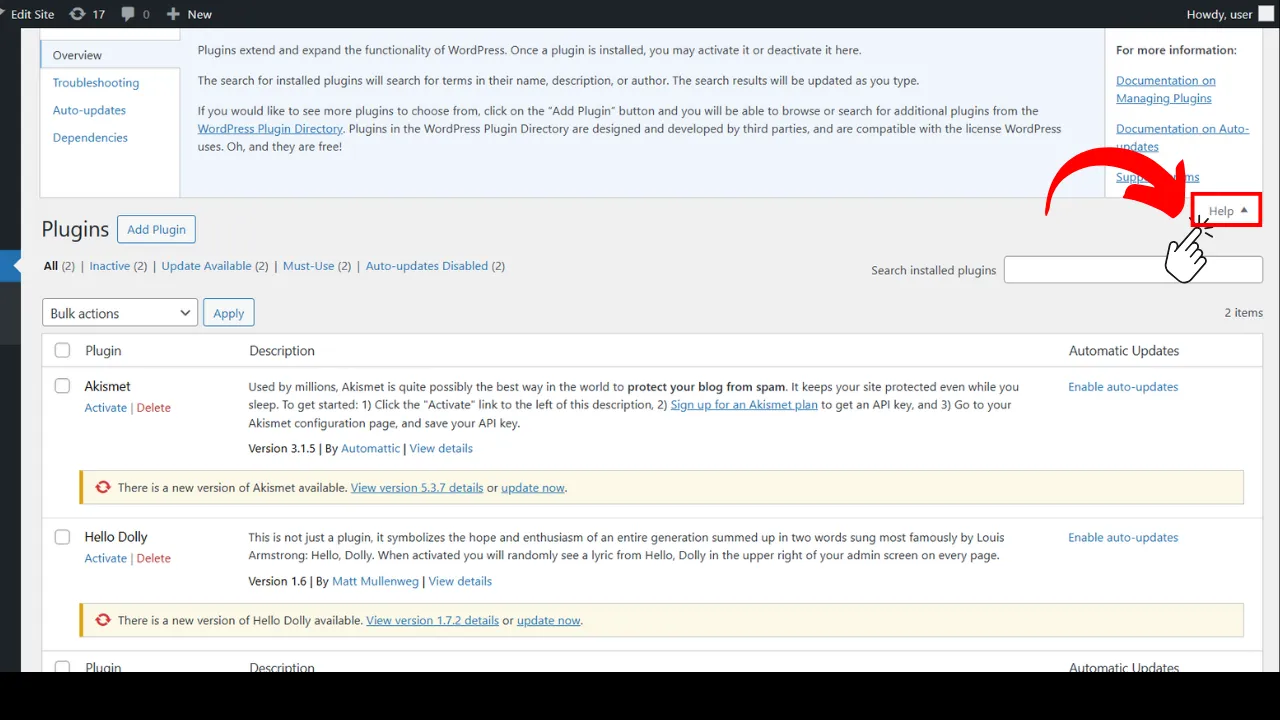
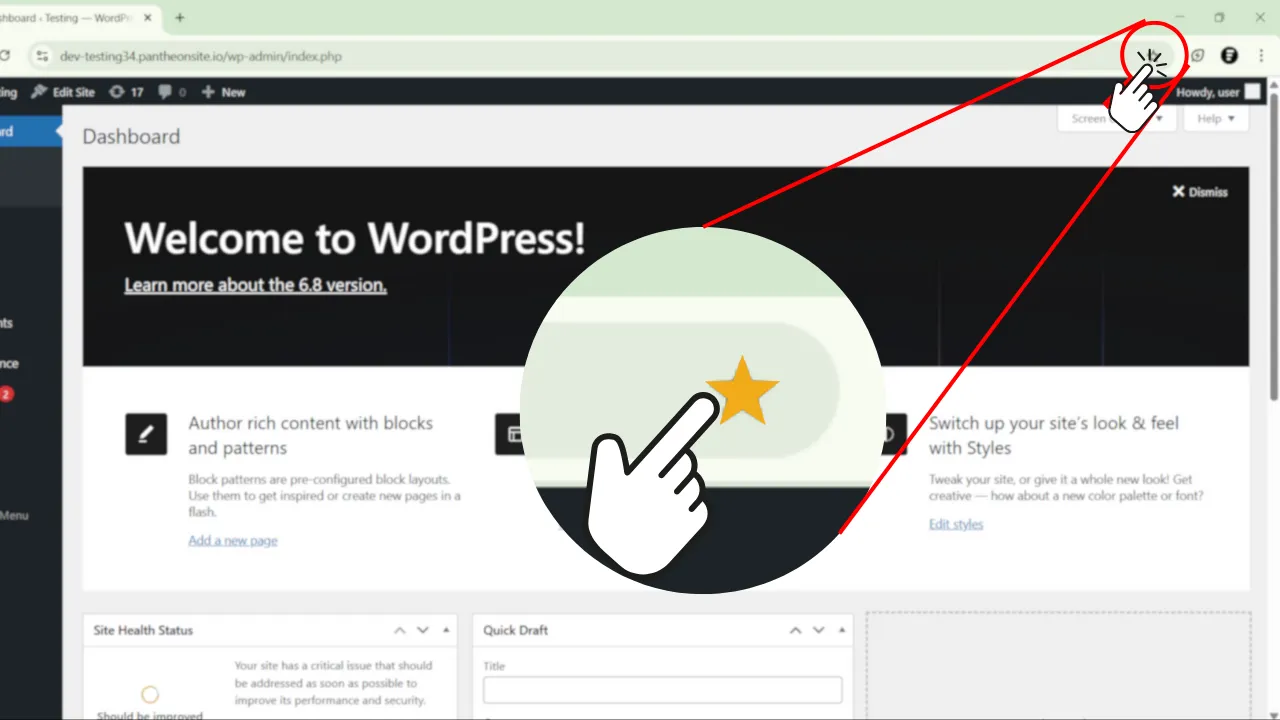
Make the Dashboard work for you:

Key Sections to Explore Right Now

Start your WordPress journey with these actions:

Tips for Beginners

What You’ll Learn Next

Now that you know how to navigate WordPress, here’s what’s coming next:

Ready to Dive In?

Awesome! You now understand where everything lives in WordPress.

Next up: Posts vs. Pages – What’s the Difference?

Have Questions?

Drop them in the comments or reach out—we’re here to guide you every step of the way.

Share With Others :

Comments :

Scroll to Top

Boost your Computer skill

Join Thousand of students already learning how to grow their impact online.

Queries?

Have a doubt in mind? Write To Us!! Our Experts will connect with you soon.