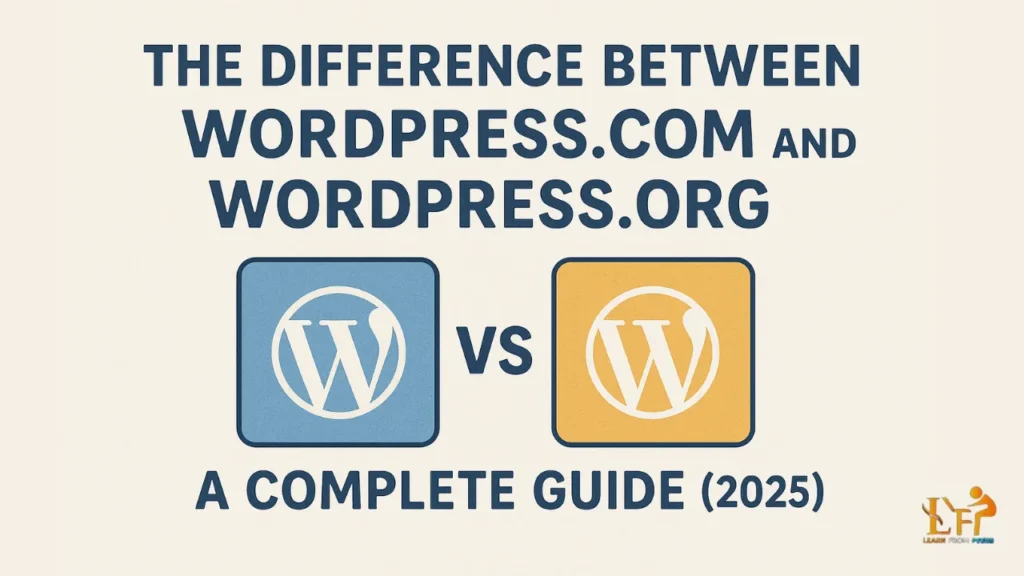
If you are planning to create an online presence — whether it’s a personal blog, a business website, a portfolio, or even an online store — you will likely come across two popular options: WordPress.com and WordPress.org.
At first glance, both may look similar, but in reality, they are quite different. Many beginners, entrepreneurs, and even small businesses often get confused between the two. Choosing the right platform is important because it directly affects your website’s flexibility, control, and growth potential.
In this blog, we will clearly explain the difference between WordPress.com and WordPress.org, compare their features side by side, and help you decide which one is best for your goals in 2025.
What is WordPress.com?

WordPress.com is a hosted platform where your website is created and managed directly by WordPress. You don’t need to worry about buying separate hosting or setting up servers.
This makes it beginner-friendly, especially if you want to get started quickly without dealing with technical details.
✅ Pros of WordPress.com
- Free plan available with a WordPress subdomain
- Hosting, security, and backups managed by WordPress
- Automatic updates with no manual effort
- Easy setup, perfect for beginners
❌ Cons of WordPress.com
- Limited customisation on free and lower-tier plans
- Cannot install custom plugins or themes unless you upgrade
- WordPress may display ads on free sites
- You don’t have full control or ownership
👉 Example Domain: yourblog.wordpress.com
What is WordPress.org?

WordPress.org is the self-hosted version of WordPress. Here, you download the free WordPress software and install it on a hosting provider of your choice.
Unlike WordPress.com, this gives you full control over your website, domain, and all data. It’s the go-to option for professionals, businesses, and serious bloggers.
✅ Pros of WordPress.org
- Full ownership and control of your website
- Freedom to install any themes and plugins
- Unlimited monetization options (ads, eCommerce, memberships)
- Advanced customization with coding flexibility
❌ Cons of WordPress.org
- Requires buying hosting and domain name
- You are responsible for backups and updates
- Slightly technical for complete beginners
👉 Example Domain: yourwebsite.com
WordPress.com vs WordPress.org: A Side-by-Side Comparison

To make it easier, here’s a quick comparison:
| Feature | WordPress.com | WordPress.org |
|---|---|---|
| Hosting | Managed by WordPress | You buy hosting separately |
| Domain | Free subdomain (paid custom domain) | Custom domain |
| Cost | Free plan + paid upgrades | Hosting + domain costs |
| Themes/Plugins | Limited | Unlimited |
| Monetization | Restricted | Full freedom |
| Control | Limited | Full control |
| Best For | Beginners, hobby bloggers | Businesses, professionals, advanced bloggers |
Which One Should You Choose?

The choice depends on your goals.
✅ Choose WordPress.com if:
- You are a beginner who just wants a personal blog
- You don’t want to manage hosting or security
- You’re fine with limited customization
✅ Choose WordPress.org if:
- You want to build a professional website or online store
- You want complete control over your website
- You plan to monetize (ads, products, memberships)
- You need advanced features and customization
Final Thoughts

Both WordPress.com and WordPress.org are excellent platforms, but they serve different needs.
- WordPress.com is best for beginners who want a quick and easy way to start.
- WordPress.org is best for professionals, businesses, and serious bloggers who need freedom, flexibility, and long-term growth potential.
👉 If you are serious about building a professional online presence, WordPress.org is the better choice.