Introduction
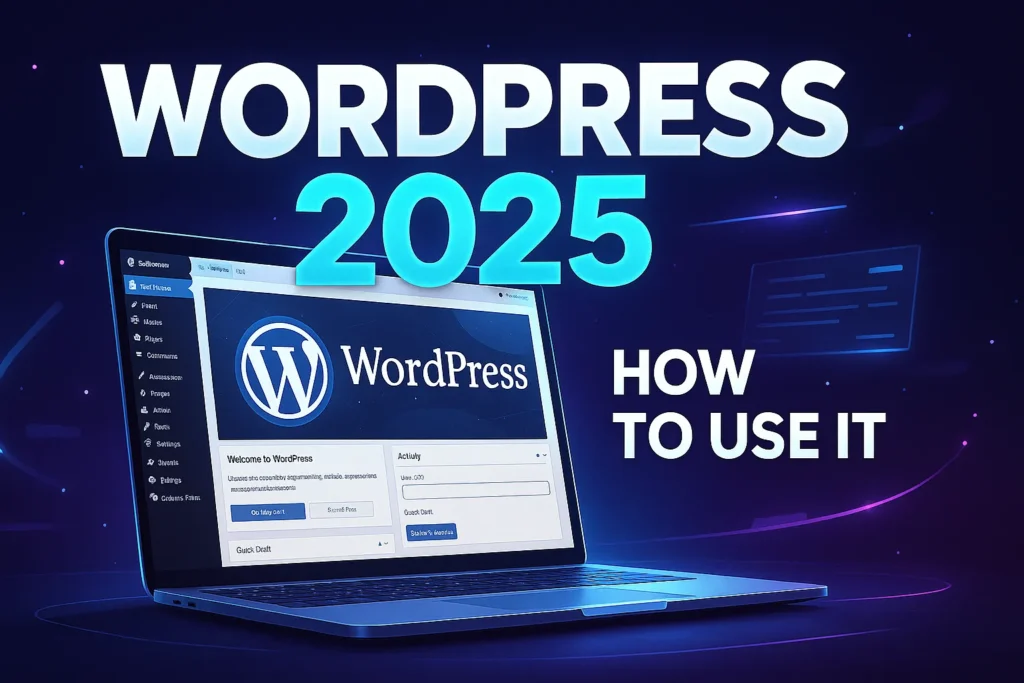
WordPress is one of the most popular website building platforms in the world. Millions of websites, from blogs to e-commerce stores, use because of its flexibility and ease of use. Whether you are a beginner or someone looking to expand your skills, learning how to use WordPress effectively can make a huge difference in your online success.
In this guide, we will compare key features, discuss pros and cons, and provide tips to help you get the most out of WordPress.
1. WordPress Posts vs Pages

When starting with WordPress, one of the first decisions is whether to create a post or a page.
Posts are mainly used for blog content and appear in reverse chronological order on your site. They are ideal for news, updates, or articles that are frequently updated.
Pages, on the other hand, are static and don’t appear in the blog feed. Pages are used for content like About Us, Contact, and Services.
Comparison Table:
| Feature | Posts | Pages |
|---|---|---|
| Content Type | Dynamic | Static |
| SEO Focus | Good for blogs | Good for evergreen content |
| Comments | Allowed | Optional |
| Categories/Tags | Yes | No |
Understanding the difference between posts and pages helps you organize your website effectively.
2. WordPress Themes vs Plugins

WordPress uses themes and plugins to customize websites.
Themes control the design and layout of your site. They determine how your pages look, the typography, colors, and overall style. Choosing the right theme is crucial because it impacts user experience.
Plugins extend the functionality of your website. From SEO tools to contact forms and e-commerce features, plugins allow you to add almost any feature you need.
Comparison:
| Feature | Themes | Plugins |
|---|---|---|
| Purpose | Design & layout | Add functionality |
| Examples | Astra, GeneratePress | Yoast SEO, WooCommerce |
| Impact | Site appearance | Site performance & features |
Both are essential. Themes set the foundation, while plugins enhance capabilities.
3. Classic Editor vs Block Editor

WordPress offers two main ways to create content: the Classic Editor and the Block Editor .
Classic Editor resembles a traditional word processor and is straightforward for beginners. It’s simple and effective for creating standard blog posts without complex layouts.
Block Editor allows you to add various content blocks, such as text, images, galleries, and buttons. It provides more design flexibility and is ideal for building modern, visually appealing pages.
Comparison:
| Feature | Classic Editor | Block Editor |
|---|---|---|
| Ease of Use | Very simple | Slightly complex |
| Design Flexibility | Limited | High |
| Best For | Standard posts | Modern pages and layouts |
Beginners can start with the Classic Editor and gradually move to Gutenberg for advanced customization.
4. Free WordPress vs Paid WordPress

WordPress comes in both free and paid versions.
Free allows you to create a website with basic features and limited customisation. It’s ideal for learning or creating a simple blog.
Paid WordPress (WordPress.org) offers full control over your website, including custom domains, unlimited plugins, themes, and monetization options.
Comparison:
| Feature | Free WordPress | Paid WordPress |
|---|---|---|
| Cost | $0 | Depends on plan |
| Domain | Subdomain | Custom domain |
| Plugins & Themes | Limited | Unlimited |
| Monetization | Restricted | Full access |
For serious websites or businesses, paid WordPress is the recommended option.
5. Tips to Use WordPress Effectively

-
- Organize your menu and pages for easy navigation.
-
- Optimize images to improve site speed.
-
- Use SEO plugins like Yoast SEO to boost search rankings.
-
- Customize your sidebar with widgets for better user experience.
-
- Regularly backup your website to prevent data loss.
-
- Keep , themes and plugins updated for security.
6. Common Mistakes Beginners Make

-
- Installing too many plugins, which slows down the website.
-
- Ignoring updates, leading to security risks.
-
- Poor content structure and navigation.
-
- Weak SEO practices, reducing website visibility.
Avoiding these mistakes can help you manage a professional and effective WordPress website.
FAQs
Q1. How to use WordPress for beginners?
Start by understanding the difference between posts and pages, then choose a theme and essential plugins. Use either Classic or Block Editor depending on your comfort level.
Q2. Is WordPress free or paid?
offers both free and paid options. Free is good for learning, while paid versions provide full control and customization.
Q3. Which editor is better for new users?
Classic Editor is simple and suitable for beginners, while Block Editor is better for advanced design and layout customization.
Conclusion

Learning effectively requires understanding its core features, from posts vs pages to themes and plugins. By comparing options and knowing their pros and cons, you can make informed decisions for your website.
With practice and the right approach, anyone can master and build a website that is functional, visually appealing, and user-friendly.